How to print the QR Code (similar to KSA localization) on iVend POS Normal Transaction receipt( irt)
Customer Requirement :
How to print the QR Code ( similar to KSA localization receipt ) on iVend POS Normal Transaction receipt( irt) for customer on Cashier desk , so that Government App can scan this QR Code.
Proposed Resolution:
This requirement achieve by standard KSA localization addon.
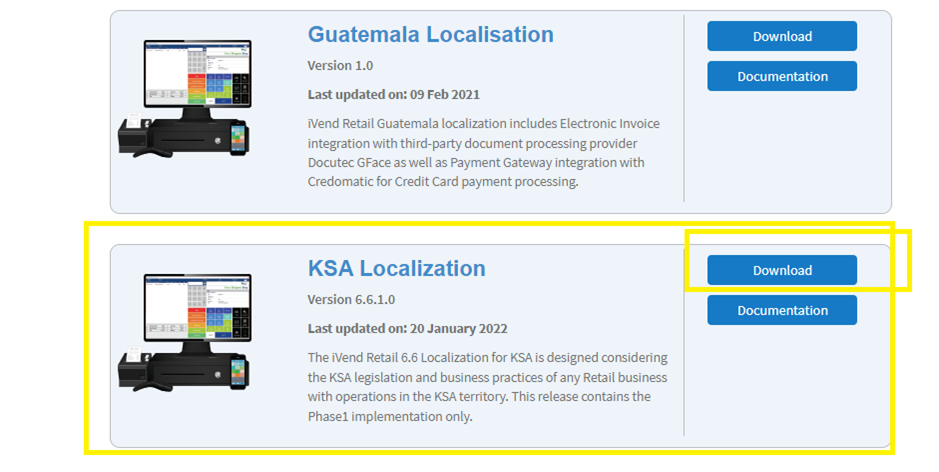
Kindly find the below steps for download KSA localization add-on
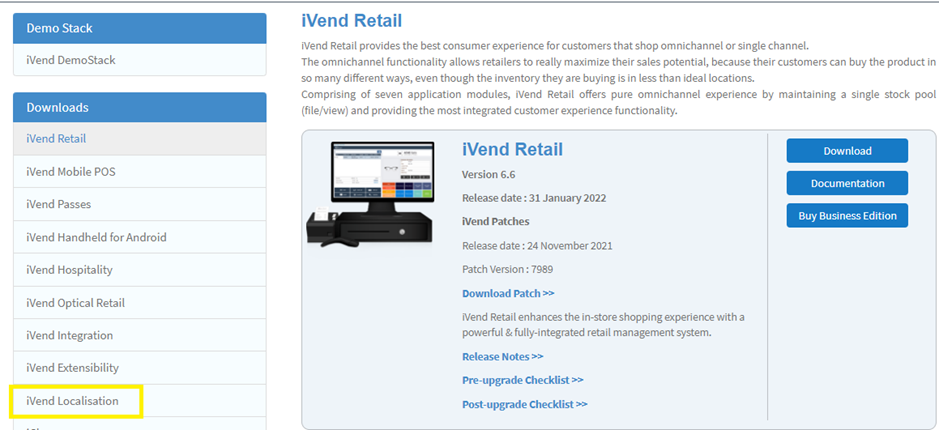
1-Kindly Download the KSA Localization from Support portal ---->Download ---->iVend Localization-->KSA Localization
https://support.ivend.com/csm?id=down_csm&sys_id=d2b13548dbf3bb009459ed6b4b9619f9
2-Please Unzipped the downloaded folder then customer will find report folder that contains the StandardTransaction receipt files having
Barcode with it .
3-If customer want to use these Standard Transaction Receipt as its already have the Barcode with it and
Please make sure to take Backup of your Current files .
4- if customer want to change in their Existing Transaction Receipt to append barcode with it then customer can take Help from Our CRD Team .