Cost is not changing when creating Purchase Order
Environment:
iVend 6.6 Unplugged
Problem Statement:
Cost is not changing when creating Purchase Order.
Proposed Solution:
For above scenario we can check and verified in unplugged ivend version using costing method as ’average cost’ and costing sub method as ‘per product’. Using costing method and costing sub method we can easily change the cost for the product and calculate average cost using purchase order.
Steps to check the Scenario:
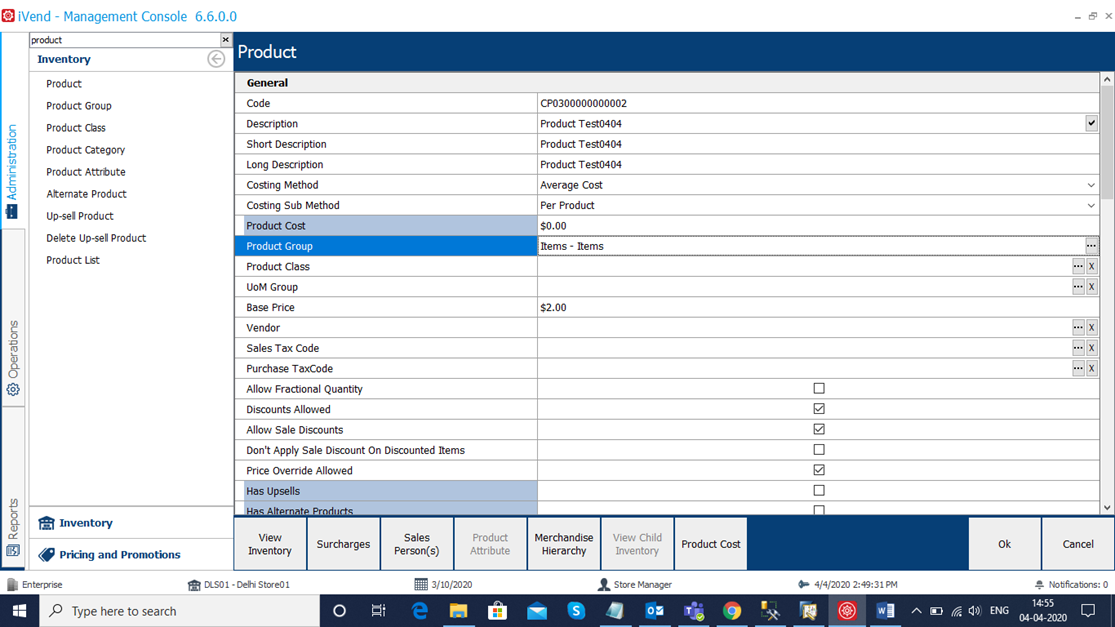
Login with iVend application and select Product screen and defined a new product with Costing method like ‘average cost’ and Costing Sub Method ‘Per Product’ and save the product.
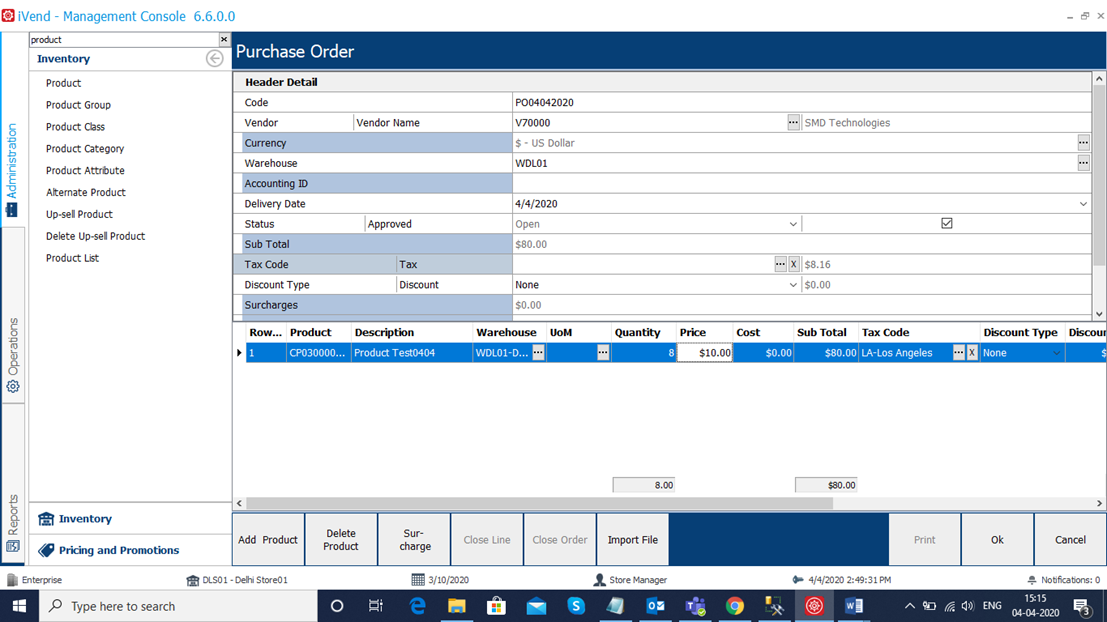
Select Purchase Order and create with Quantity and Cost and save the record.
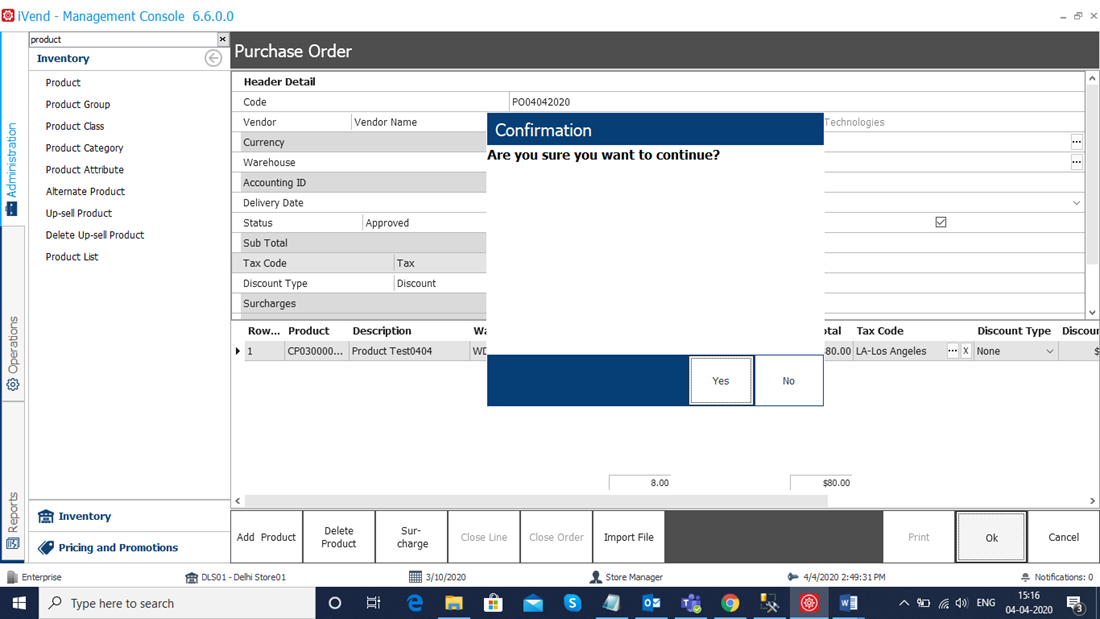
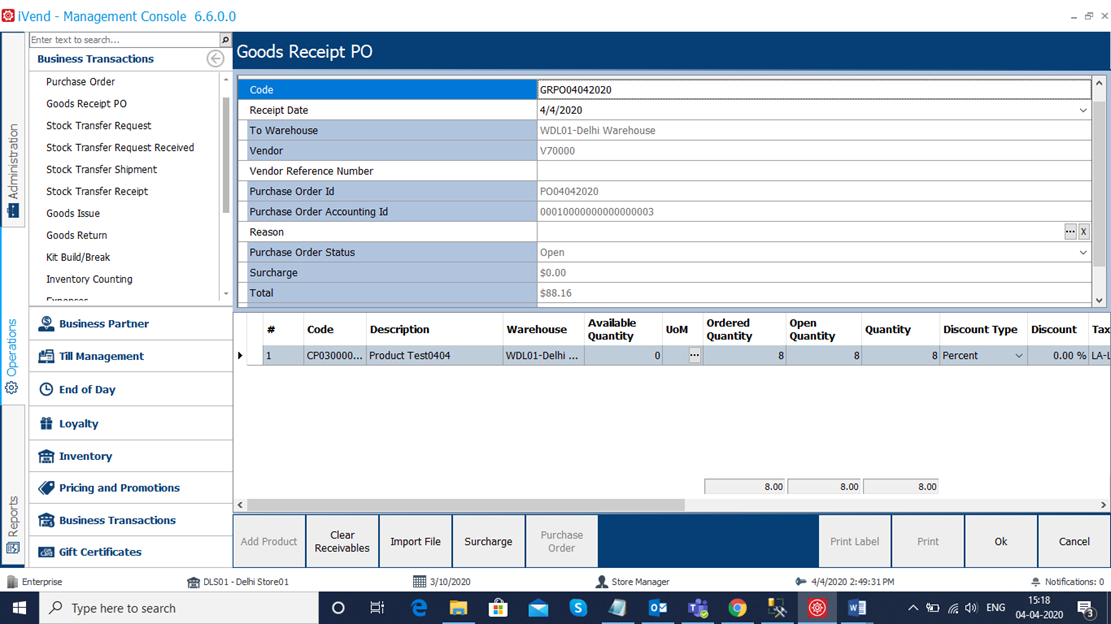
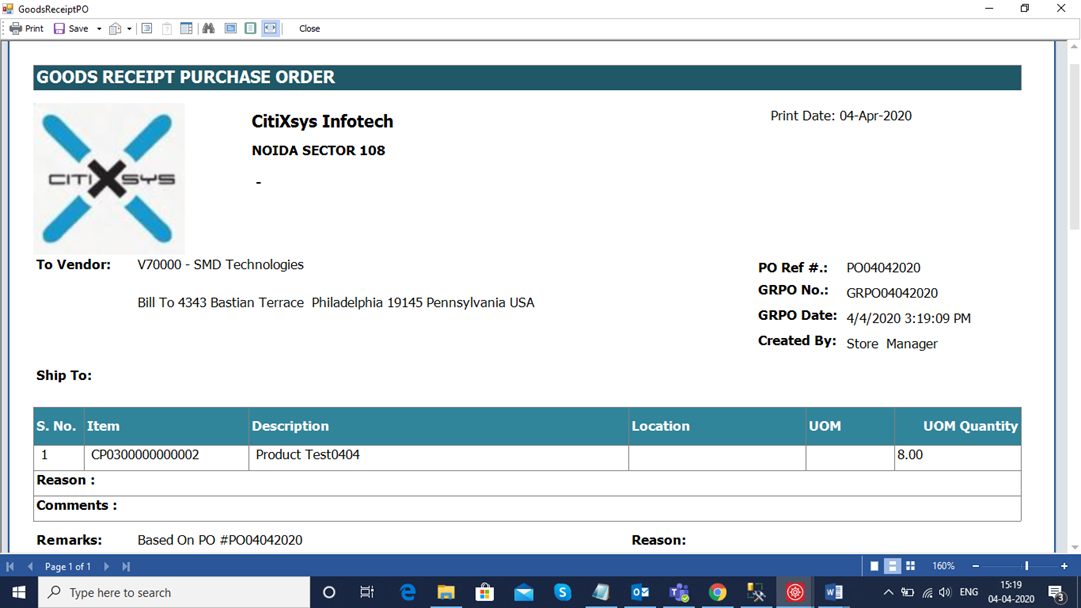
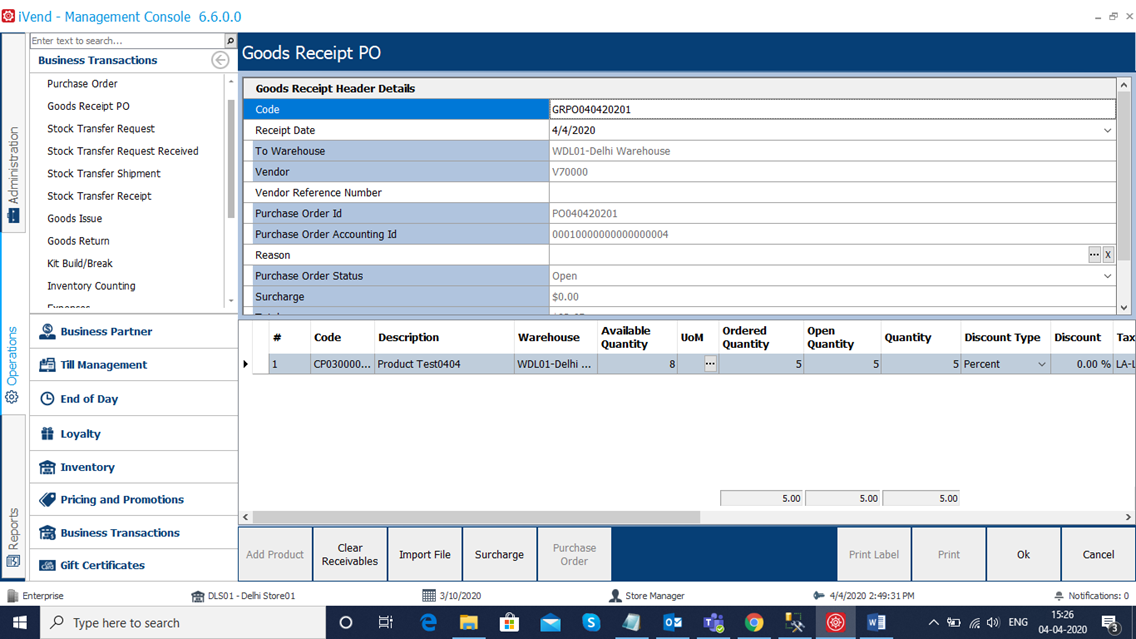
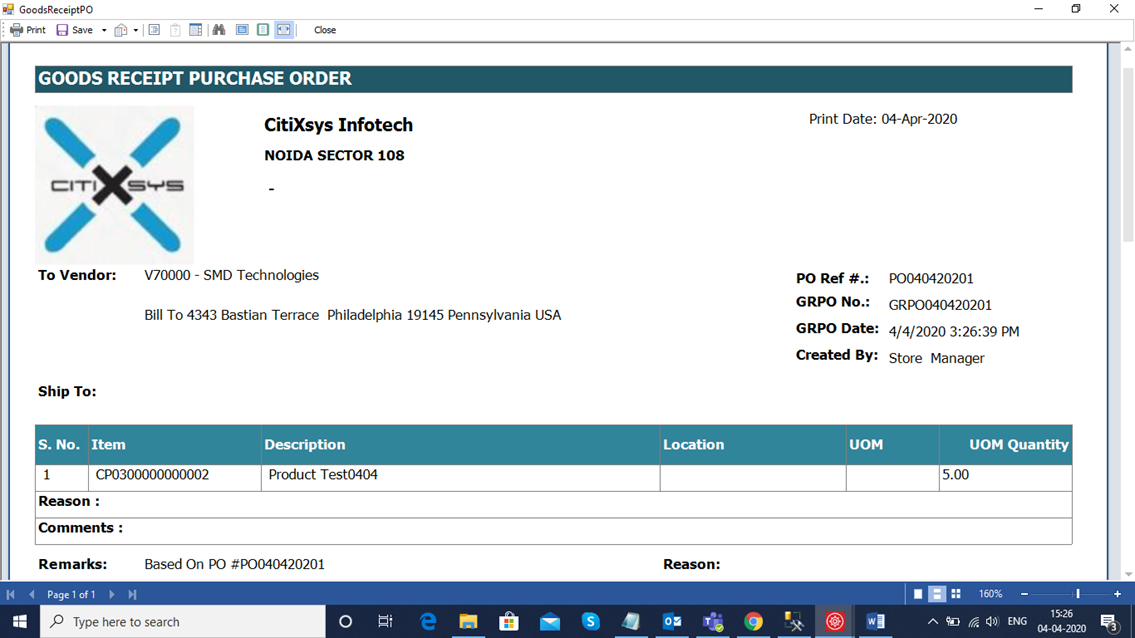
Select Good Receipt PO screen and create GRPO for the purchase order.
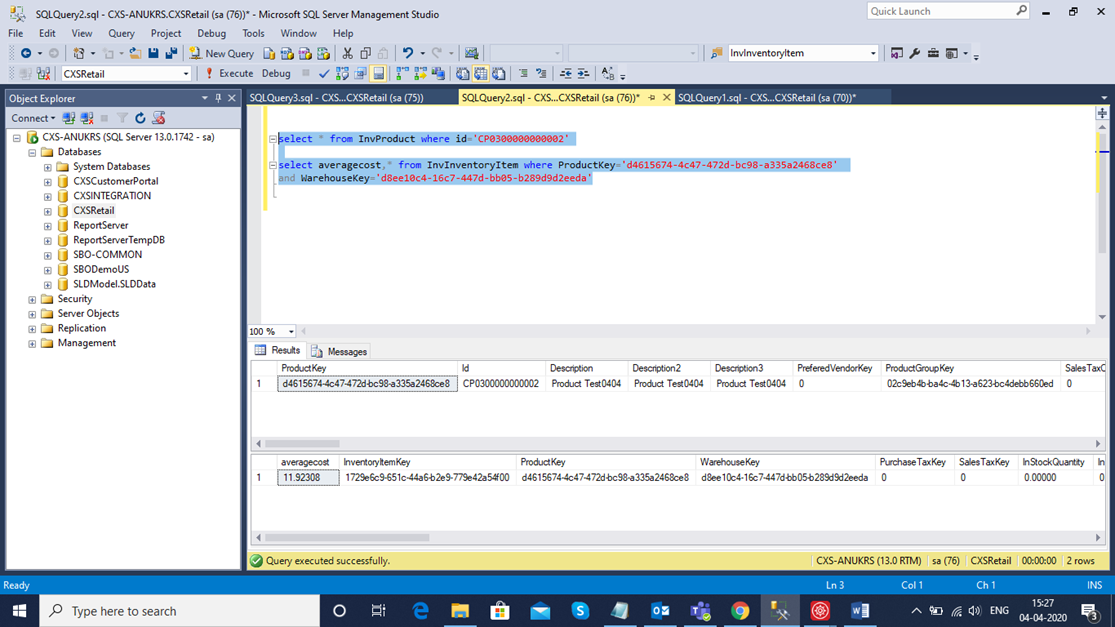
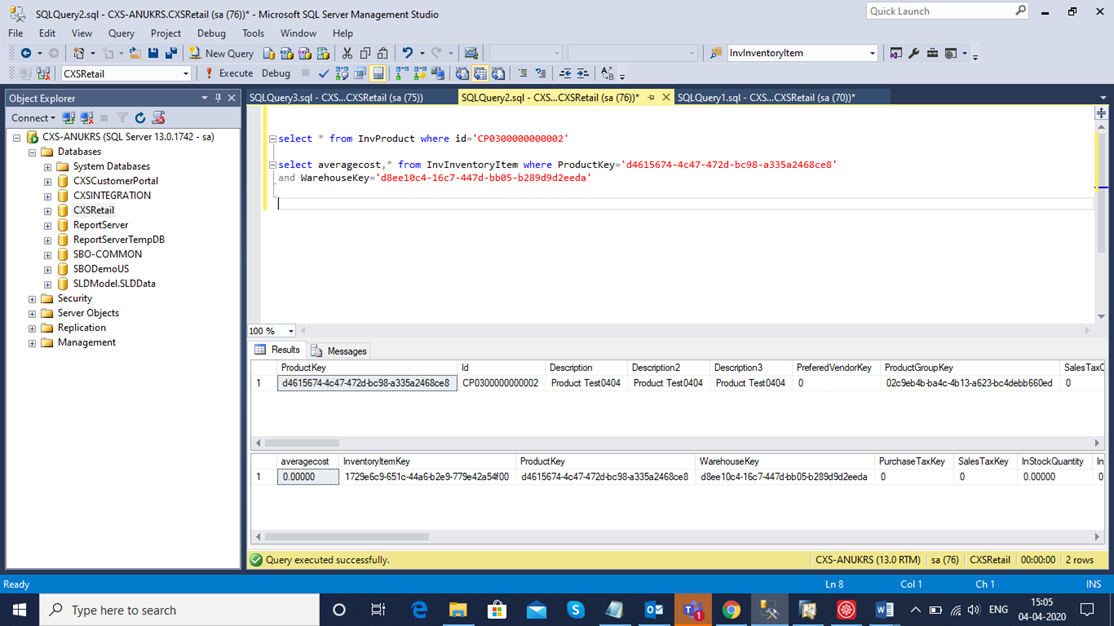
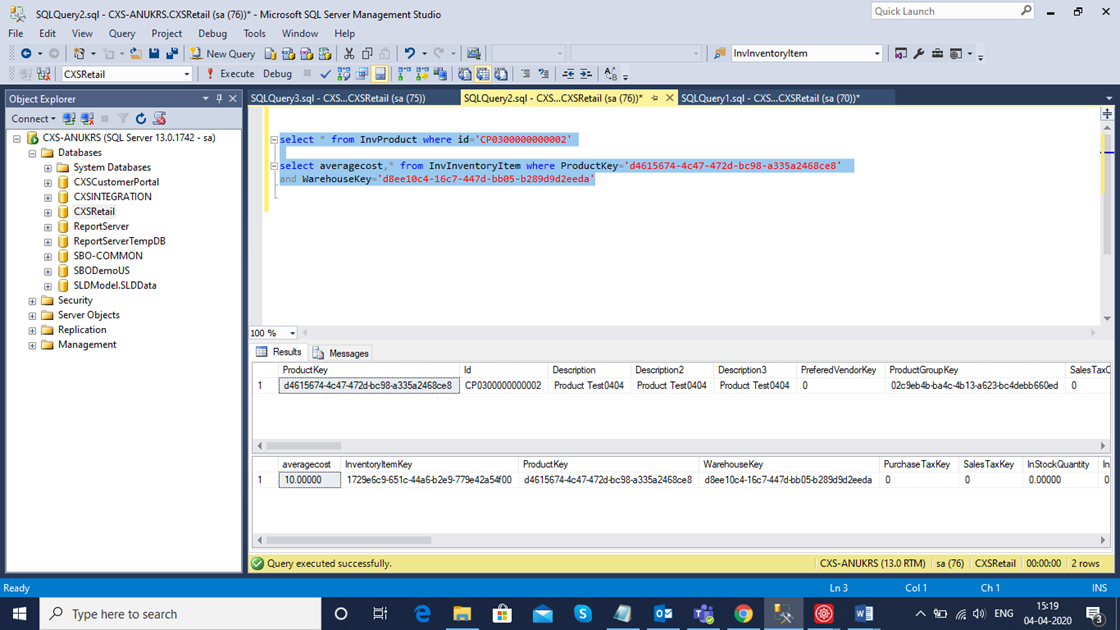
Execute sql statement and verify the average cost against the product for purchase order.
Create new Purchase Order for the same product and verify the cost which is updated itself. If needed modify cost and quantity and save the record.
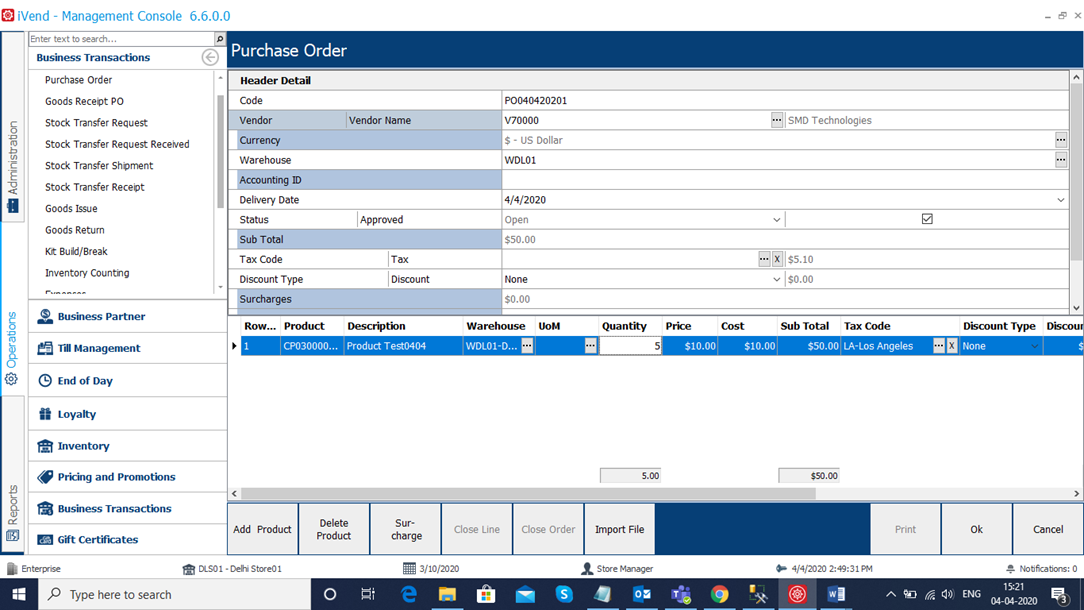
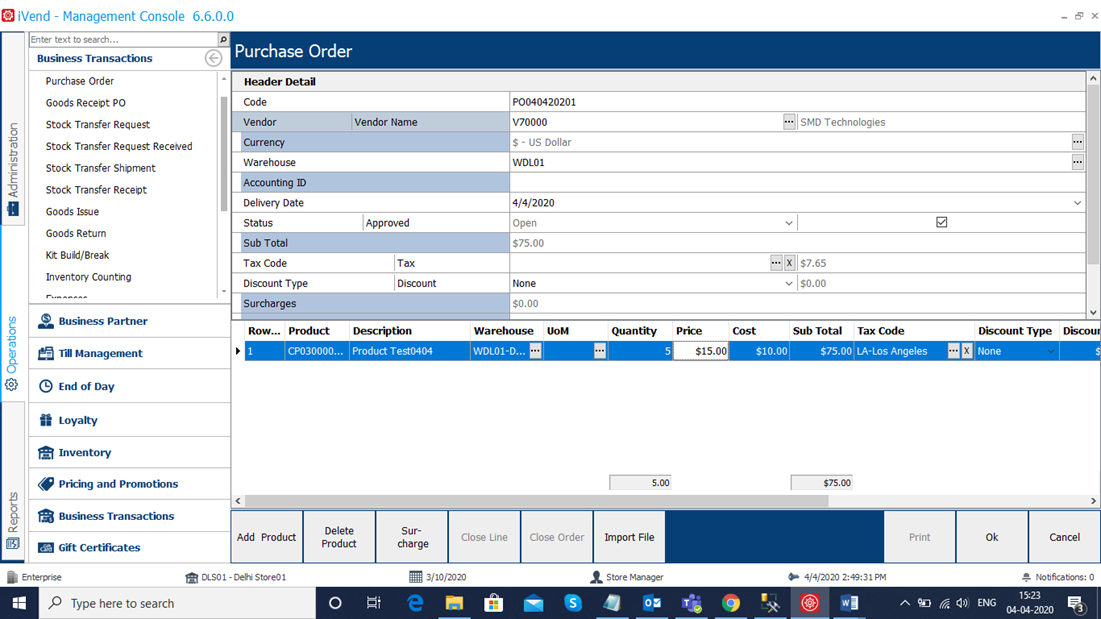
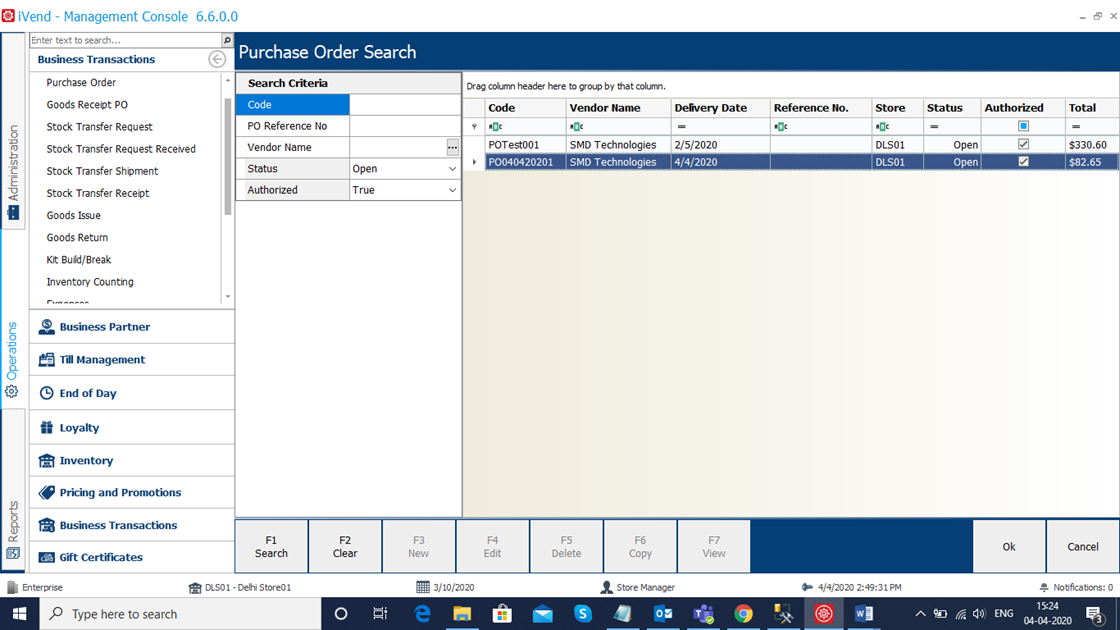
Select Good Receipt PO screen and save the record for new purchase order.
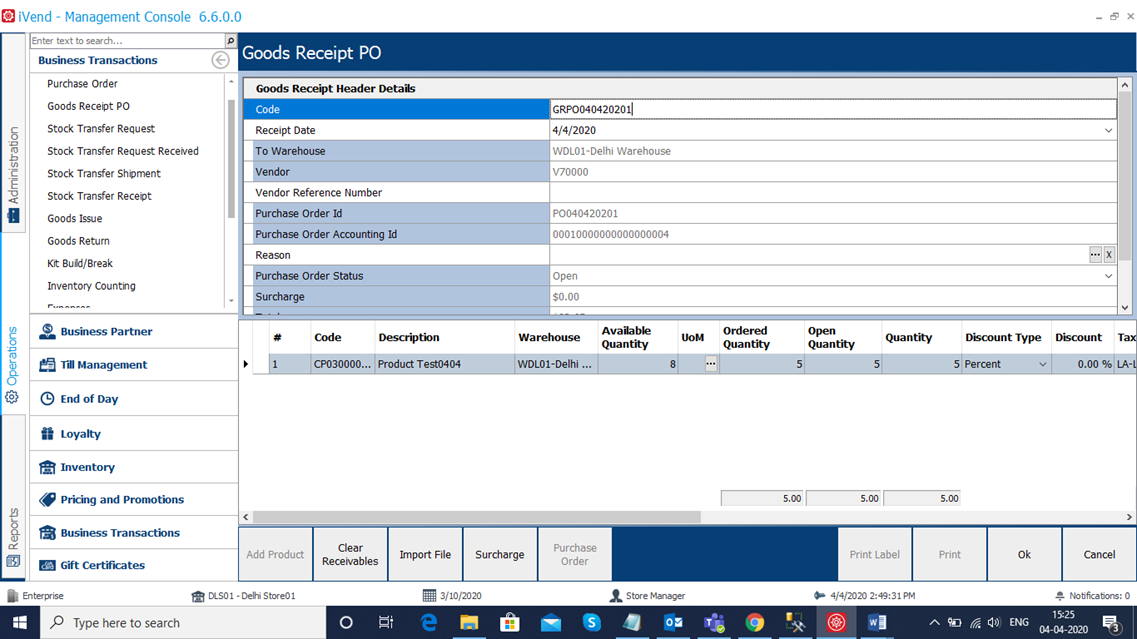
Execute the sql statement for the new purchase order for the same product and verify updated average cost.